The best local-first note-taking apps in 2026
A grounded guide to the best local-first note-taking apps in 2026, from Obsidian to Anytype, with how each stores your data and the honest catch on every one.

Most note apps quietly assume your notes live on their servers. A local-first note app flips that: your writing is a set of files on your own disk that keep working with no account, no subscription, and no internet. You get the ownership of a paper notebook with the search and linking of software. The catch is that "local-first" gets stamped on tools that mean very different things by it, so the label alone will not tell you whether you truly own your data.
File ownership and offline access are things we live in, because we build a local-first assistant that only works if your data stays yours. So this piece is less a listicle and more a map: what local-first actually means for a note app in 2026, the strongest options across the spectrum, and the honest trade-off on each. None of these is recal, which is an assistant rather than a note app; where AI fits over a local vault comes at the end.
Key takeaways
- Local-first is a spectrum. Some apps store plain Markdown files you can open in any editor; some keep an encrypted local database; a few sync end-to-end so no server ever reads your notes.
- Obsidian is the default for most people because it is plain Markdown on disk with a huge plugin ecosystem, but its core is closed-source and real sync costs money.
- For fully open-source, Logseq (outliner) and Joplin (editor plus web clipper) are the strongest picks, and both keep your notes in formats you can export.
- Anytype and Standard Notes lead on privacy with end-to-end encryption, at the cost of storing notes in their own format rather than loose files.
- Plain files are the safest bet for longevity: if the app disappears, Markdown in a folder still opens in 2036.
What does "local-first" actually mean for a note app?
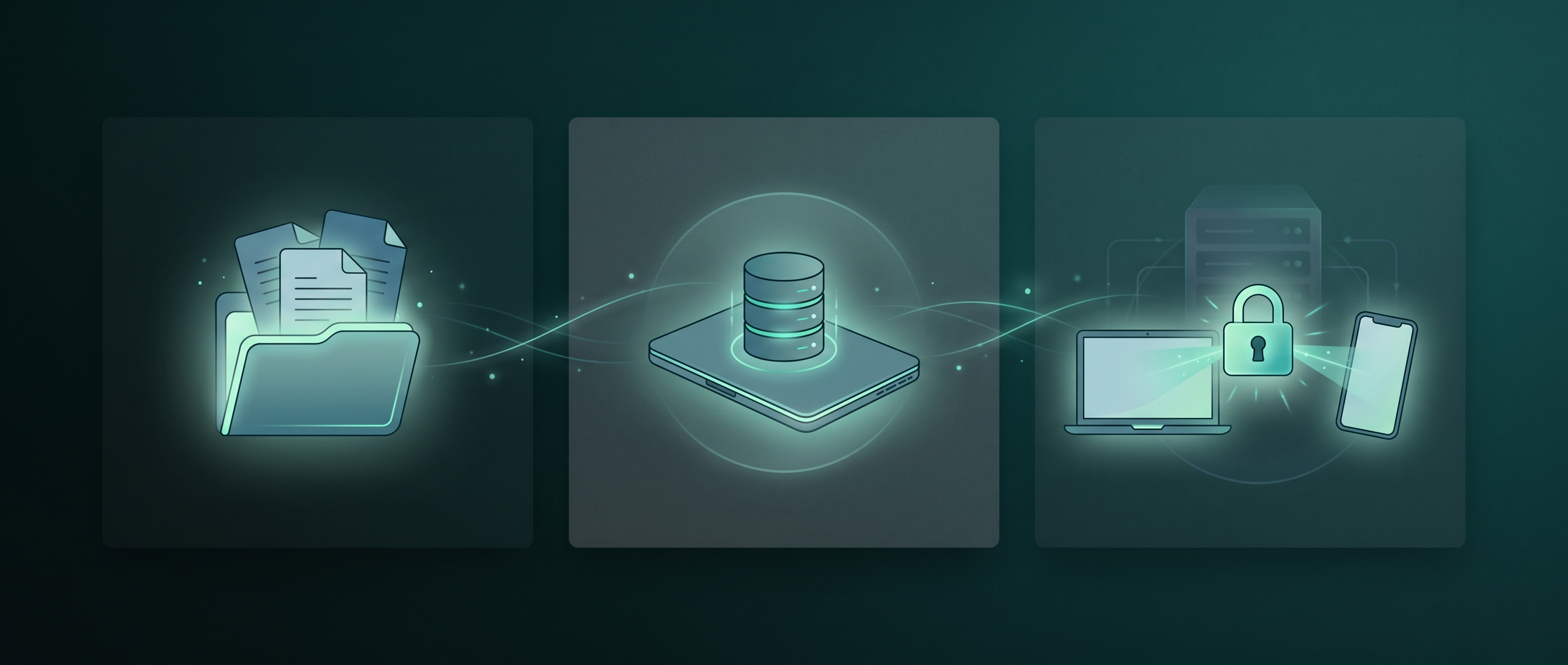
Local-first means the app works from data on your device first, and treats the network as optional rather than required. In practice that splits into three storage models, and the difference matters more than any feature list.
The first is plain files on disk: your notes are Markdown or text files in a normal folder you can back up, grep, edit in another app, or move to a competitor. This is the strongest form of ownership because it survives the app itself. The second is a local database: notes live on your machine but inside the app's own store, so they are private and offline yet only fully usable through that app until you export. The third layer, orthogonal to the first two, is end-to-end encrypted sync: your notes move between your devices through a server that cannot read them, which is the privacy gold standard but usually comes with a proprietary format. When someone says an app is "local-first," ask which of these they mean, because "your data is private" and "your data is portable" are not the same promise.
What are the best local-first note-taking apps in 2026?
Each of these keeps your notes on your device and works offline. They differ most in how they store your writing, which is the axis we lead with for every entry.
Obsidian is the app most people mean by "local-first notes." Your vault is a folder of plain Markdown files on your disk, linked with wiki-style [[backlinks]] and extended by a plugin ecosystem in the thousands. It is free for personal use and works fully offline. Who it is for: almost anyone who wants durable, portable notes with room to grow into a power setup. The honest catch: the core app is closed-source, and the official cross-device sync is a paid add-on, so "free and local" and "synced across your phone" are two different bills.
Logseq is the open-source pick for people who think in bullets. It is an outliner built on local Markdown or Org files, where every block is addressable and linkable, which suits daily journaling and networked notes. It is free, offline, and its files stay yours. Who it is for: researchers and journalers who want an auditable, open-source tool and like outlining over long-form pages. The honest catch: the outliner model is not for everyone, and the project has been mid-transition to a database backend, so check the current storage story before you commit years of notes.
Anytype is the privacy-first, local-first option that looks like Notion. Notes are objects in a graph, everything is end-to-end encrypted, and it syncs peer-to-peer or through relays that never see your content. The code is source-available and it runs offline by default. Who it is for: people who want a polished, flexible workspace without handing their database to a company. The honest catch: your notes live in Anytype's own encrypted format rather than loose Markdown files, so portability depends on its export, not on the filesystem.
Joplin is the open-source workhorse. It stores Markdown notes, has an excellent web clipper for saving pages, and offers end-to-end encrypted sync across your own choice of backend. It is free and fully offline-capable. Who it is for: people who want a genuinely open, no-vendor tool with strong clipping and encryption. The honest catch: the interface feels more utilitarian than the newer apps, and notes sit in a local database rather than as loose files by default, though export is straightforward.
Standard Notes is the app built for longevity and privacy above all. Everything is end-to-end encrypted by default, the format is deliberately simple so your notes stay readable for decades, and the core is open-source. Who it is for: people who want a calm, secure place for text they intend to keep for a very long time. The honest catch: the free tier is intentionally minimal, and richer editors and features sit behind a paid plan, so the plain experience is the point rather than a limitation.
Trilium (now continued as TriliumNext) is the power-user's local knowledge base. It organizes notes in a hierarchy with cloning, supports scripting and custom widgets, and runs as a local app or self-hosted server. It is open-source and offline-first. Who it is for: tinkerers who want a programmable personal wiki and are comfortable with complexity. The honest catch: the learning curve is steep and it is built around a single-user database, so it is overkill if you just want a tidy notes app.
SilverBullet is the indie, self-hosted choice for the developer-minded. It is an open-source Markdown notebook you run on your own server or machine, with live templates and a scriptable query language over your notes. Who it is for: people who already self-host and want their notes to be programmable plain Markdown. The honest catch: you have to run it yourself, and the audience it is designed for is technical, so it is not a click-to-install consumer app.
Which local-first note app should you choose?
Start from what you value most, not from the feature grid. If you want the safest long-term bet with the biggest ecosystem, pick Obsidian: plain files mean you can leave anytime, and plugins mean you rarely have to. If open-source is a hard requirement, choose Logseq for outlining or Joplin for a more conventional editor with great web clipping. If your top priority is that no server can ever read your notes, Anytype and Standard Notes lead on end-to-end encryption, with the trade that your notes live in their format rather than as loose Markdown. And if you are a tinkerer who wants a programmable system, Trilium or SilverBullet reward the effort.
One practical test before you invest years of writing: export a few notes on day one and see what you get back. If it is clean Markdown you can open elsewhere, your notes are genuinely portable. If it is a proprietary blob, you are trusting the app to stay alive and keep its export working. That single check separates ownership you can rely on from ownership you are hoping for.
| App | Storage | Open source | Works offline | End-to-end encryption | Platforms |
|---|---|---|---|---|---|
| Obsidian | Plain Markdown files | No (core) | Yes | Via paid sync | Mac, Windows, Linux, mobile |
| Logseq | Local Markdown / Org | Yes | Yes | Depends on sync backend | Mac, Windows, Linux, mobile |
| Anytype | Encrypted local objects | Source-available | Yes | Yes | Mac, Windows, Linux, mobile |
| Joplin | Local database (Markdown) | Yes | Yes | Yes (sync) | Mac, Windows, Linux, mobile |
| Standard Notes | Encrypted store | Yes | Yes | Yes | Mac, Windows, Linux, web, mobile |
| Trilium / TriliumNext | Local database | Yes | Yes | At rest / self-hosted | Mac, Windows, Linux, self-host |
| SilverBullet | Plain Markdown (self-host) | Yes | Yes | Depends on hosting | Self-hosted, web |
What about AI in a local-first notes setup?
The apps above store and link your notes. A separate question is whether AI can read them without breaking the local-first promise, and here the same spectrum applies. Most AI note features send your text to a cloud model, which quietly undoes the reason you chose local storage in the first place. The local-first version keeps the model on your machine too, so an assistant can search, summarize, or connect your notes while nothing leaves the device. Tools that do this over your own vault, like Reor and Khoj, are covered in our guide to the best local AI assistants, which separates model runners from assistants that actually read your files.
This is also the lane we work in. recal is not a note app and will not replace Obsidian or Logseq; it is a local-first assistant that sits over whatever notes and work you already keep, watches your context on the device, and offers to act on it, with an approve step before anything happens. It is early and Mac-only for now. The honest framing: pick your note app from the list above for where your writing lives, and treat an on-device assistant as an optional layer on top, not a replacement for the vault.
FAQ
What is the best local-first note-taking app? For most people it is Obsidian, because your notes are plain Markdown files on disk with a large plugin ecosystem, so you own the data and can extend the tool. If open-source matters more than ecosystem, Logseq and Joplin are the strongest picks, and if end-to-end encryption is your priority, Anytype and Standard Notes lead.
Does local-first mean my notes are private? Not automatically. Local-first means your notes live on your device and work offline, which is a strong privacy default. But private sync is a separate feature: Anytype, Joplin, and Standard Notes offer end-to-end encrypted sync so no server can read your notes, while other apps sync through a provider that can, unless you encrypt it yourself.
Are local-first note apps free? The apps themselves are usually free, and several are fully open-source, including Logseq, Joplin, Standard Notes, Trilium, and SilverBullet. The common paid piece is cross-device sync or premium features: Obsidian charges for official sync, and Standard Notes puts richer editors behind a plan. You can often self-host or use your own backend to avoid subscriptions.
Which local-first note app is best for Mac? Obsidian, Logseq, Anytype, and Joplin all have native Mac apps and run fully offline. Obsidian is the most common choice on macOS because of plain-file storage and plugins. If you want your notes end-to-end encrypted across your Apple devices, Anytype or Standard Notes are the stronger fit.
Can I move my notes between local-first apps? It depends on the storage model. Apps that use plain Markdown files, like Obsidian and SilverBullet, let you move a folder of notes with almost no friction. Apps that use their own database or encrypted store, like Anytype and Joplin, require an export step, so test that export early to confirm you get clean, portable files back.
Written with AI assistance and edited by a human on the recal team. We build a local-first assistant, not a note app, so the picks above are chosen on their own merits and recal is described only where it honestly fits. Tool details reflect public information as of July 2026 and change quickly, so verify current specifics on each project's site.